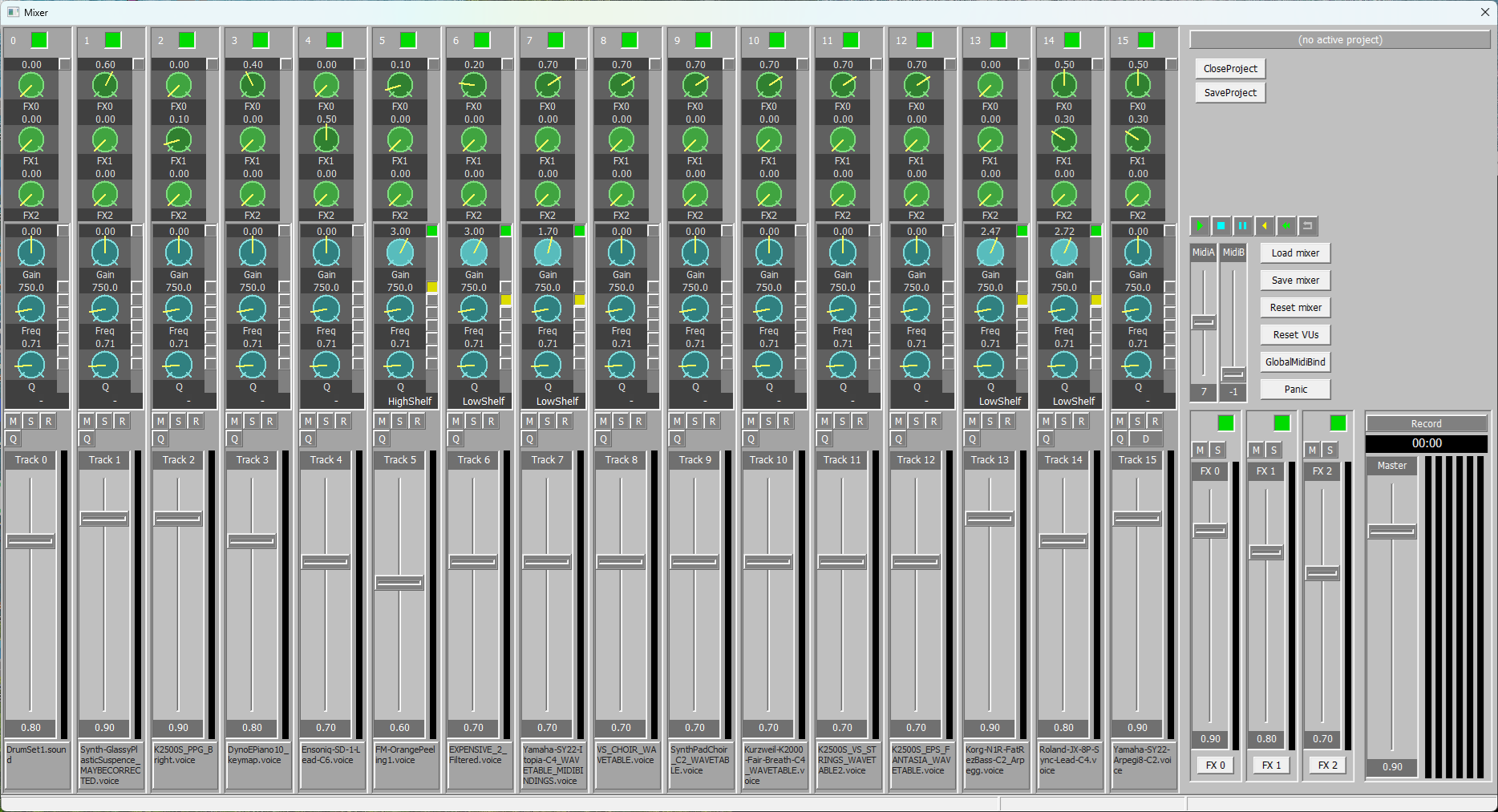
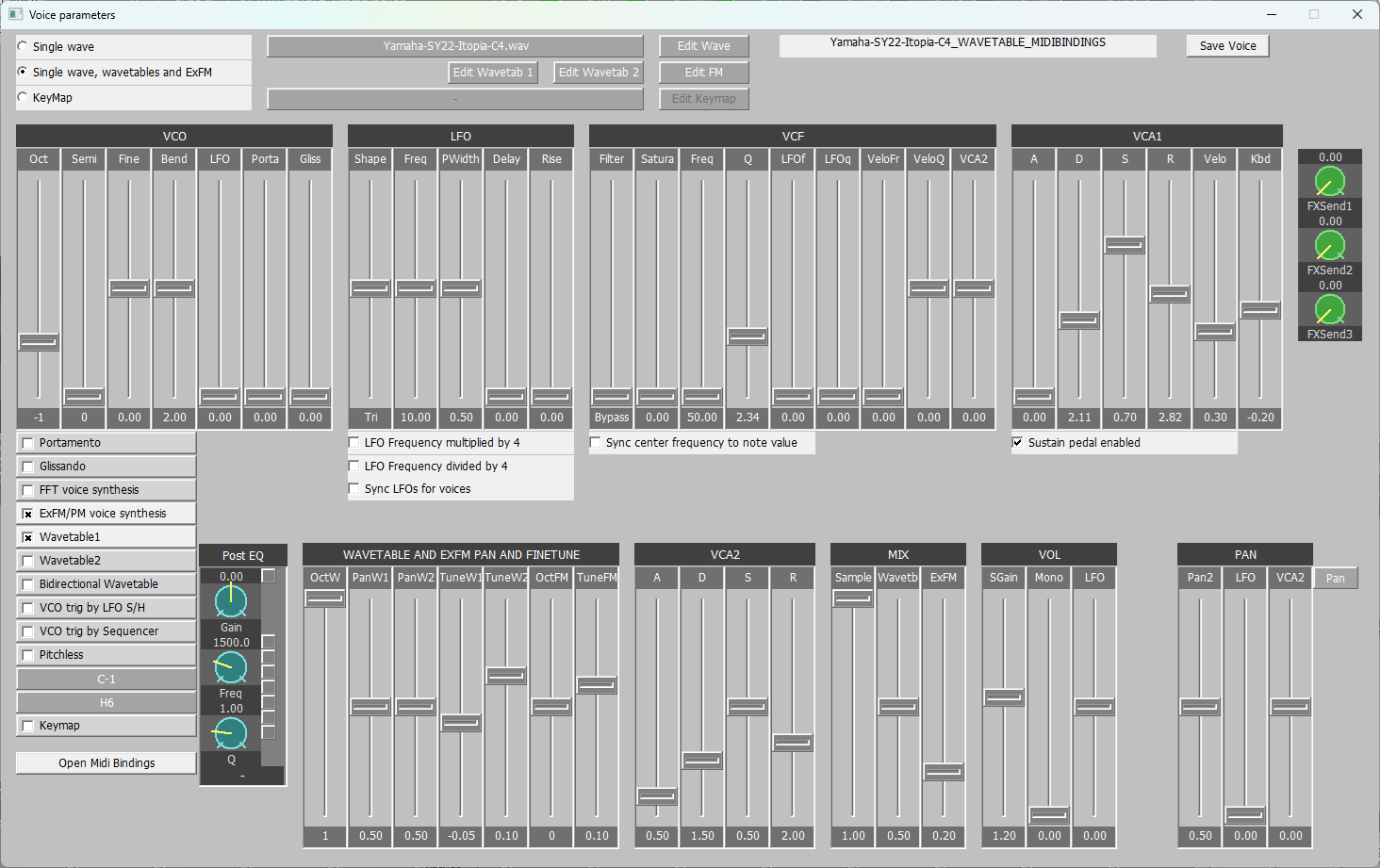
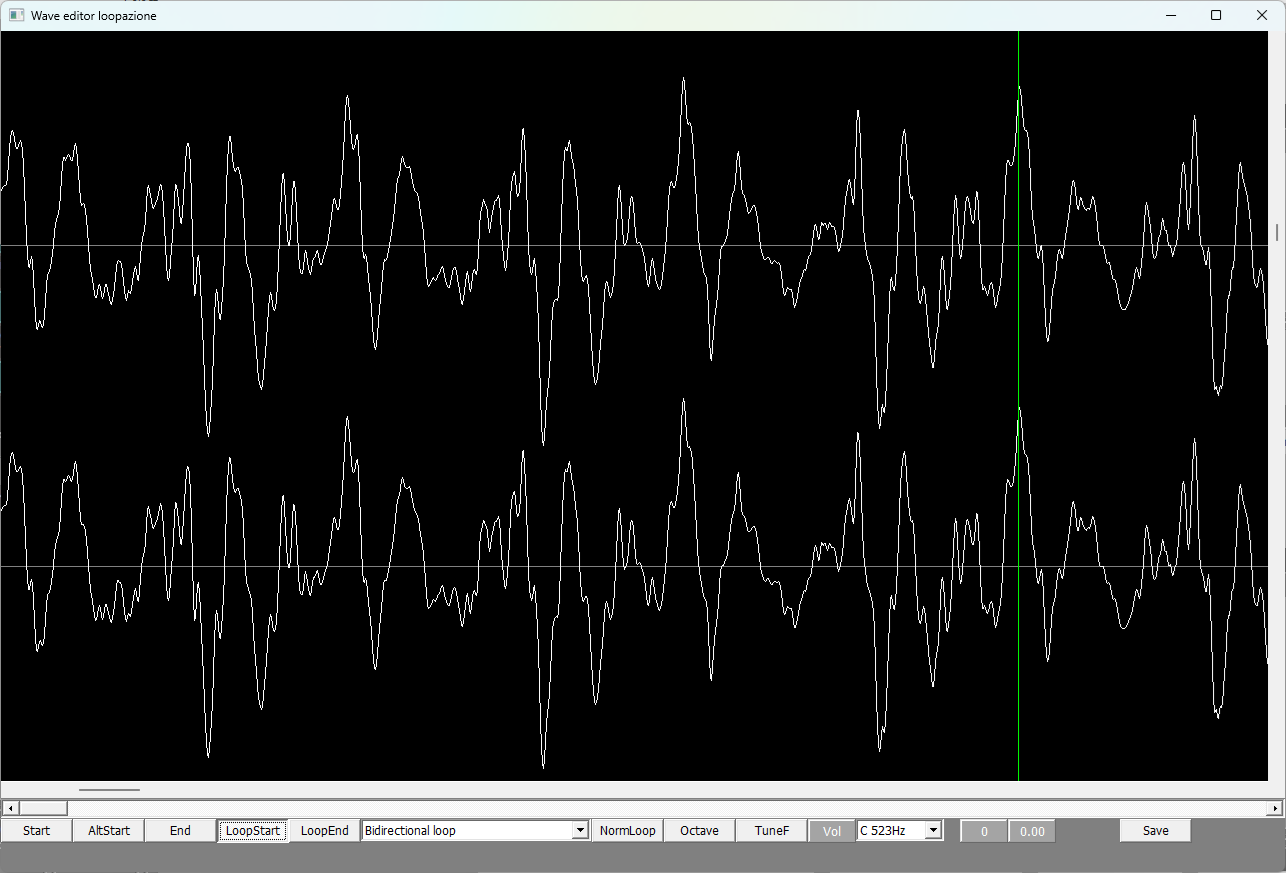
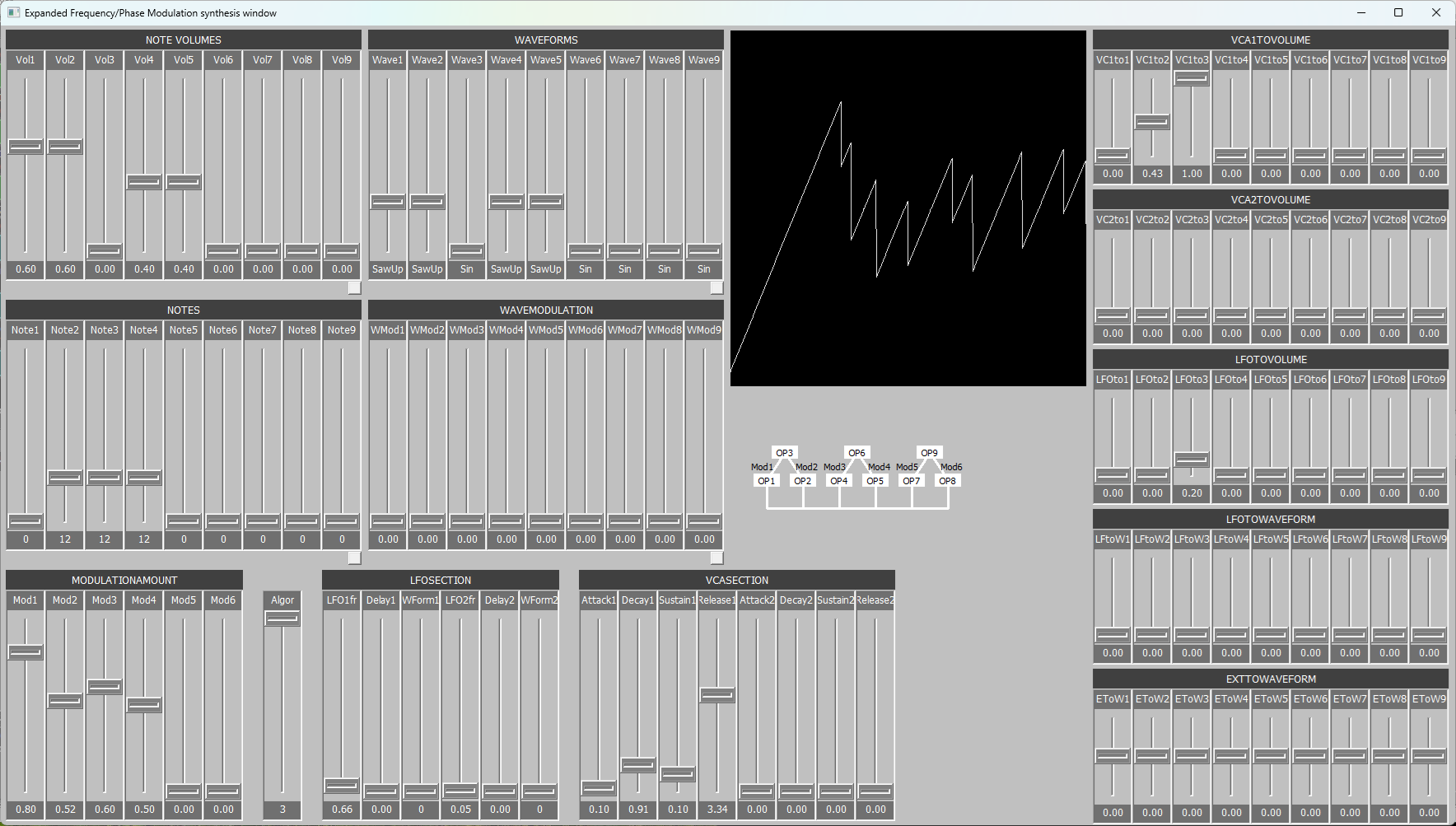
This is an independent audio instrument which requires only any MIDI sending keyboard and PC powerfull enough with Windows 11.
Current version of AuroraSynSampler is a restricted Demo version with limited voice/sound set and functionality but has quite large packed raw sample (.wav) set. If you like finalized version to be released in the future, you need to give me some feedback; otherwise I have no motivation to struggle with especially sample preparations for distribution to the public.
Aurora is not any sort of DAW/VST so if you are searching something like that you better stop reading. Also Aurora is targetted to persons who have pretty good knowledge of synthesizer/sampler programming and sound producing in general. Not to the beginners, sorry.
Furthermore, since because of I have never got any thanks or feedback from my previous projects, I decided to make Aurora under registration. I do not collect any personal data.
Registration only requires filling network form with valid email-address and registration key number sequence generated by Aurora. You receive activation code by email and paste activation code to Aurora's registration window. For the sake of clarity and code of honor, Aurora does not "call home" or install any spyware like many commercial "trusted" softwares secretly do.
AuroraSynSampler inside:
adjustable polyphony (8 to 80 voices) depending on your PC's capacity. Especially the number of CPU cores is crucial.
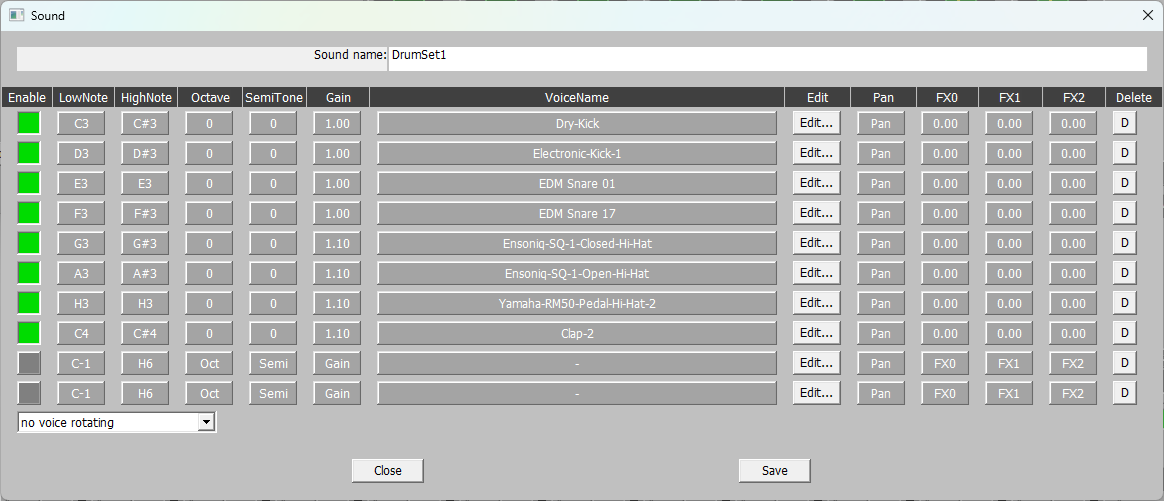
polyphony is dynamically distributed between voices ('voice' is a base element; somebody would call that a 'sound' but I have reserved name 'sound' as a collection of splitted and/or stacked 'voices')
each voice can produce stereo sample source, two wavetable sources and extended FM source simultaneously without loosing polyphony more than one voice so the audio can be made rich
control windows with lots of trackbars and buttons for voice parameters. This is good compared to proprietary DAW solutions since you can control ALL parameters in the user interface, not just those bound to limited number of predefined MIDI controls. You can still have vast amount of MIDI controls for Aurora if you want; almost every voice parameter (like VCF_fFrequency, VCF_fSaturation, ...) can be matched with external MIDI CC
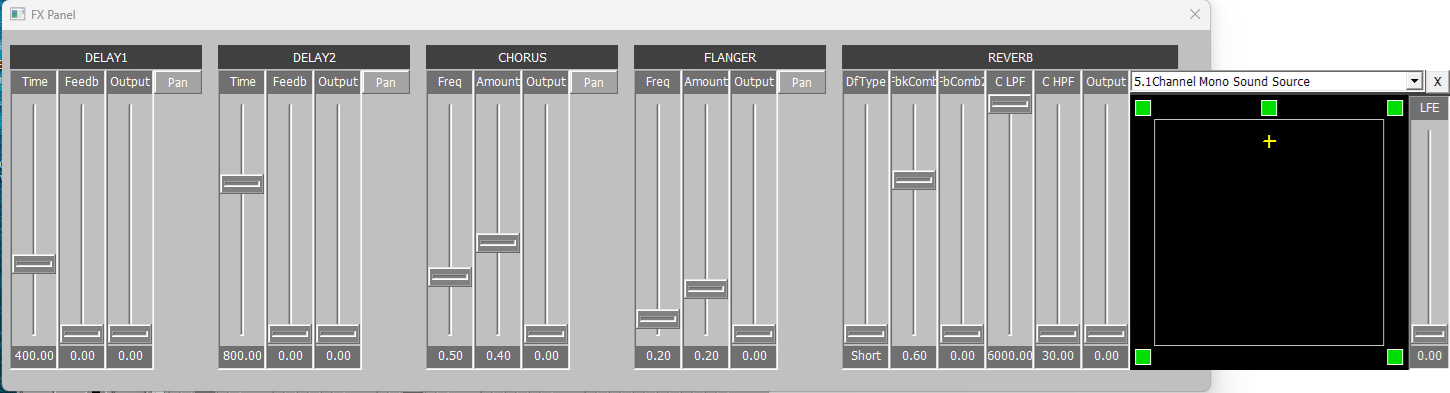
effects (three fx panels each having two delays, chorus, flanger and reverb each panorable to any location in six channel audio field)
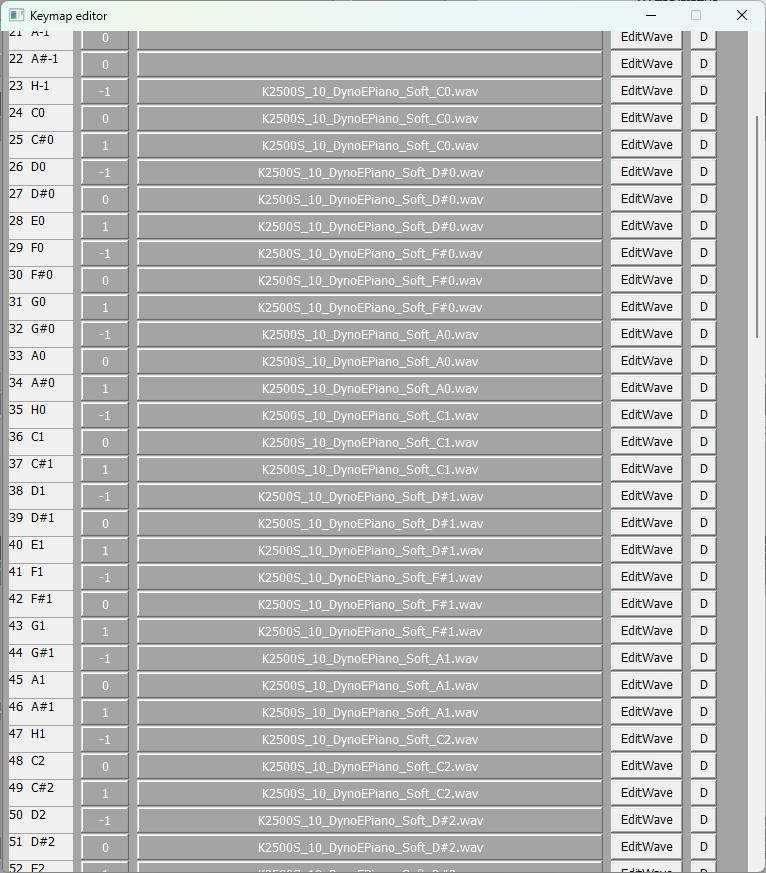
you can place your own .wav samples into subdirectories under \WaveFiles and make voices from them. Editing sample loop is nondesctructible; all samples remain intact and a .loop file is created to include loop and tuning parameters. You can also later create .audiopaks which have all resources copy protected inside them.
6 channel mixing is built-in. You can encode mixout output to DolbyDigital AC3 either with my program https://www.polycsg.net/Wav6ToAC3ToSPDIF/ after I correct IEEE(3) format in it or some other equivivalent encoding software.
Properties under current construction and only partially available:
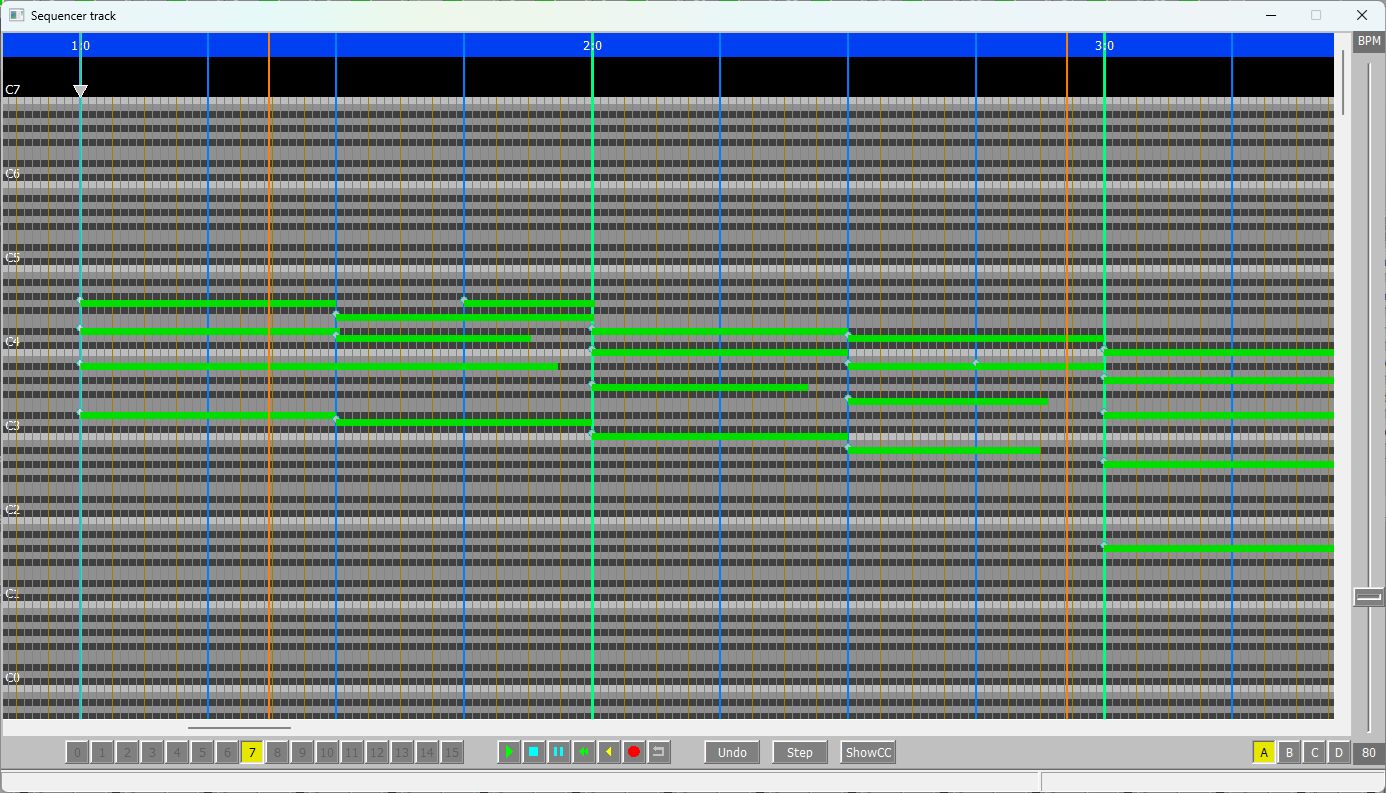
1. Sequencer and projects.
2. Local scale MIDI routing.
Properties to Beta version after Demo version:
1. Projects (kind of "Song mode" storage)
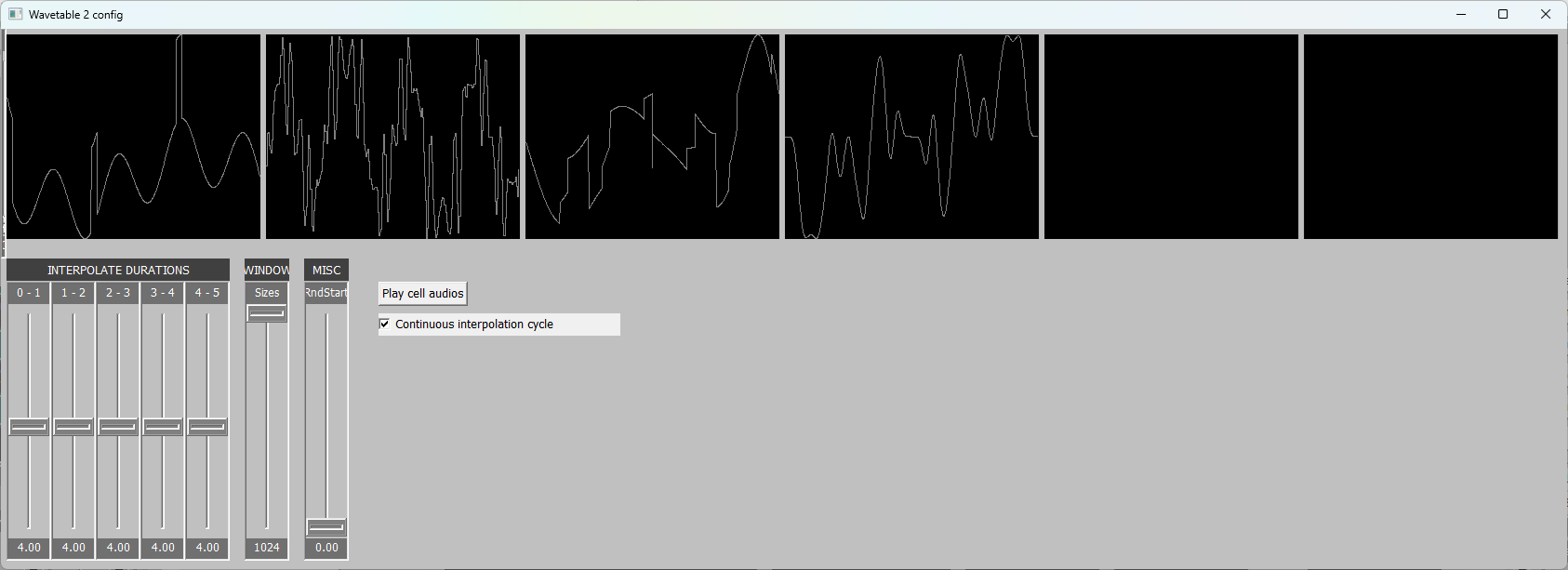
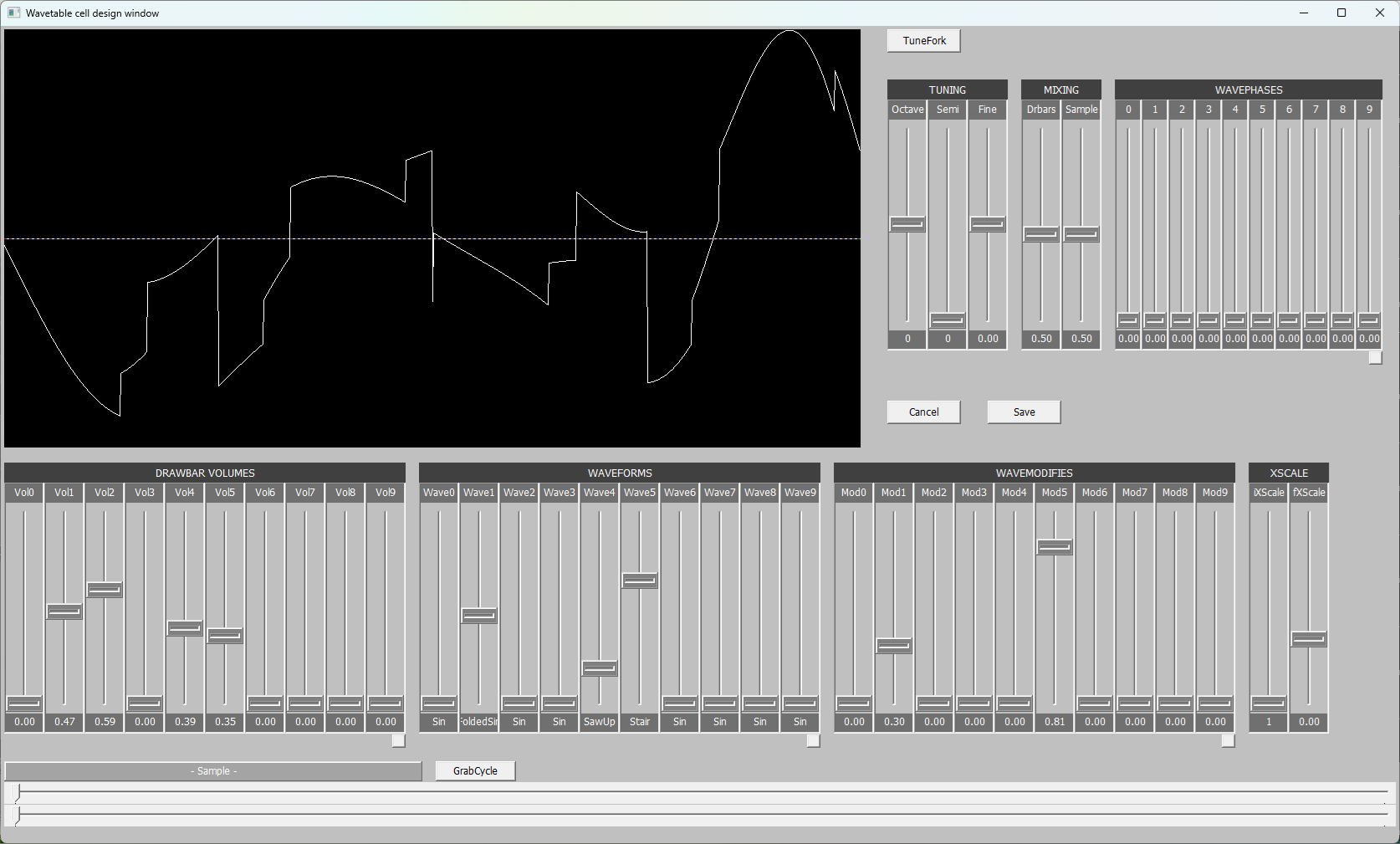
2. Wavetable extension
3. Arpeggiator extension
4. MidiB extension
5. Global scale MIDI routing.
Properties after Beta:
1. More raw samples and some "preset" voices/sounds based on samples
2. Sequencer control track e.g. to change tempo and change beats per bar
3. Possibly audiopacks buildable by user
4. Track-to/from-disk recording expansion
5. MIDI input patchbay editor
6. AAL (Aurora Application Language)
Some AuroraSynSampler audio examples:
Installation and Registration Instructions
0. Important before installation and before uninstallation
Before installing new version of AuroraSynSampler you need to uninstall previous version and before that remember to BACKUP your work.
That is, take a copy of the following C:\Aurora subdirectories:
- \Voices (in case you have created your own voices)
- \LoopFiles (in case you have created your own voices)
- \Sounds (in case you have created your own sounds)
- \Projects (in case you have created sequencer projects)
- \Settings (your Mixer.settings and VoiceClassifications.settings)
- \WaveFiles (your own .wav files)
- \Wavetables (your wavetable cells)
1. Load AuroraSynSampler zip via download link below.
2. Just in case as with all downloaded programs run virusscanner to the downloaded file.
3. Unzip installation zip into separate directory (3 files) and run aurorasetup.exe. For now the installation target must be fixed C:\Aurora.
4. In order to activate Aurora you need activation number sequence. That can be obtained by filling automated network form. That needs "challenge" number sequence provided by Aurora's LogWindow and your valid email address you want to receive activation sequence into. registration form
5. Copy paste the activation sequence from your email into Aurora's registration window opened via Log window's link.
6. Aurora will display "(registration ok)" in the log window from this on.